

How to Use: Load your in-car Tesla Web Browser and navigate to https://teslaportal.pages.dev/
Tesla Portal
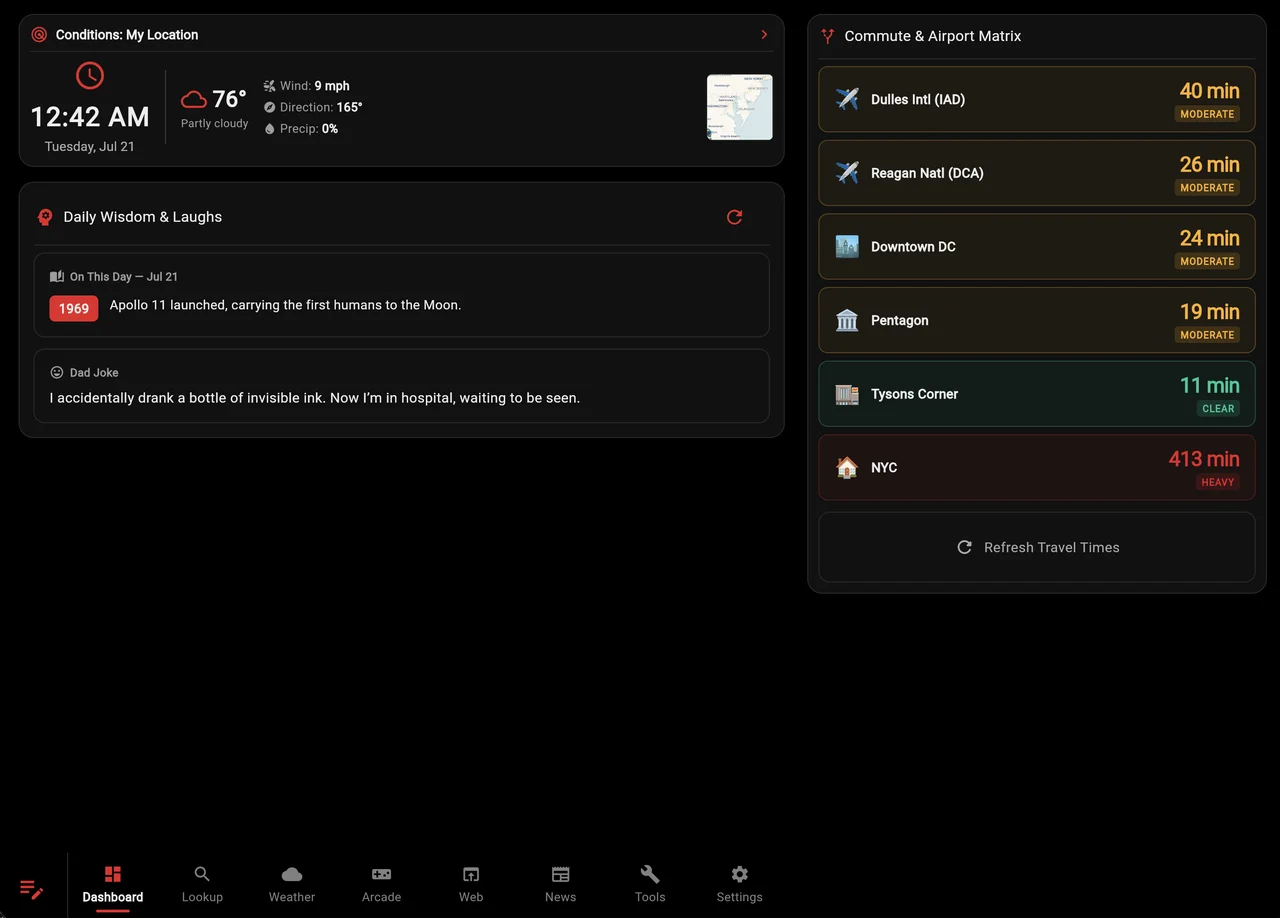
Tesla Portal is a website designed specifically to run smoothly on your Tesla’s in-car screen. It brings together everything you need into one clean, easy-to-use dashboard while you are on the road or parked.
Key Features
- Clock & Weather: Shows the current time and your local weather side-by-side based on your zip code.
- Find Local Food & Events: Quickly looks up nearby places to eat and fun activities happening around your current location.
- Flight Tracker: Checks real-time flight statuses—perfect for knowing exactly when to pick up friends and family from the airport.
- Quick Search: A dedicated tab that lets you search the web quickly right from your dashboard.
- AI Assistant: A built-in AI helper ready to answer questions and help you brainstorm ideas on the go.
- Full-Screen Theater: Easily launches your favorite web streaming services and forces the Tesla browser to use the entire screen.
- Arcade Games: A collection of fun, web-based games to play and pass the time while your car is charging.
Screenshots


How It’s Built
- Designed for Tesla: Built using modern web tools optimized to load fast and run reliably inside the car’s browser.
- Smart Saving: Remember where you left off, even if the car temporarily puts the browser to sleep in the background.
- Free & Live: Hosted online and completely free to use. You can access it directly at https://teslaportal.pages.dev/.



Leave a comment